Sign in with your phone number
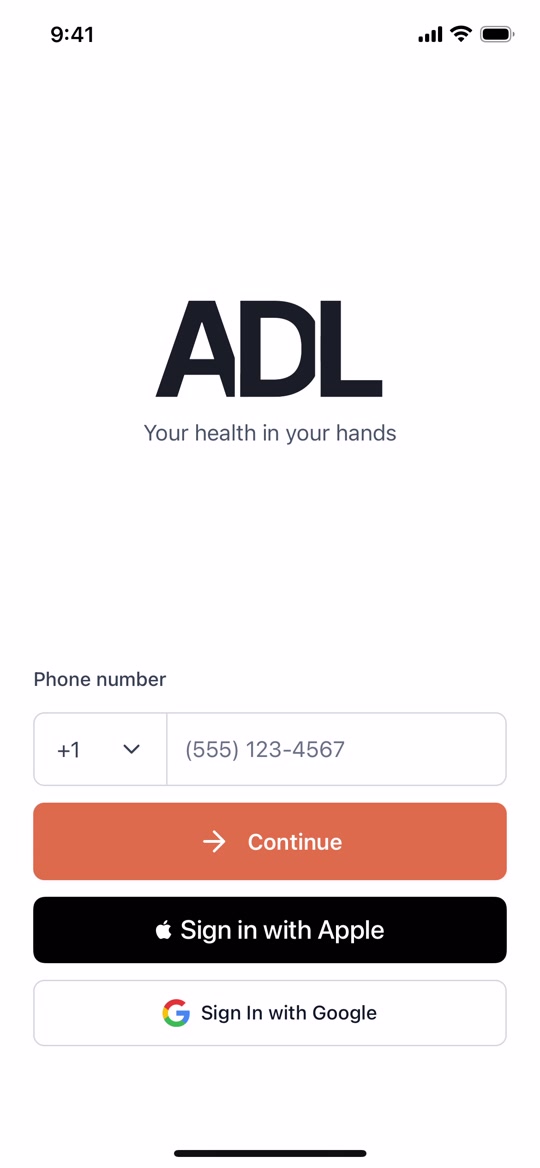
When you open ADL Activigram for the first time, you'll see a sign-in screen. Enter your mobile phone number and tap the orange Continue button.
A short walkthrough to help you sign up and start exercising your mind — in about five minutes, no tech skills required.
Tap play to watch the full walkthrough (about 2 minutes)
Go at your own pace. You can refer back to this page any time you need to.
When you open ADL Activigram for the first time, you'll see a sign-in screen. Enter your mobile phone number and tap the orange Continue button.
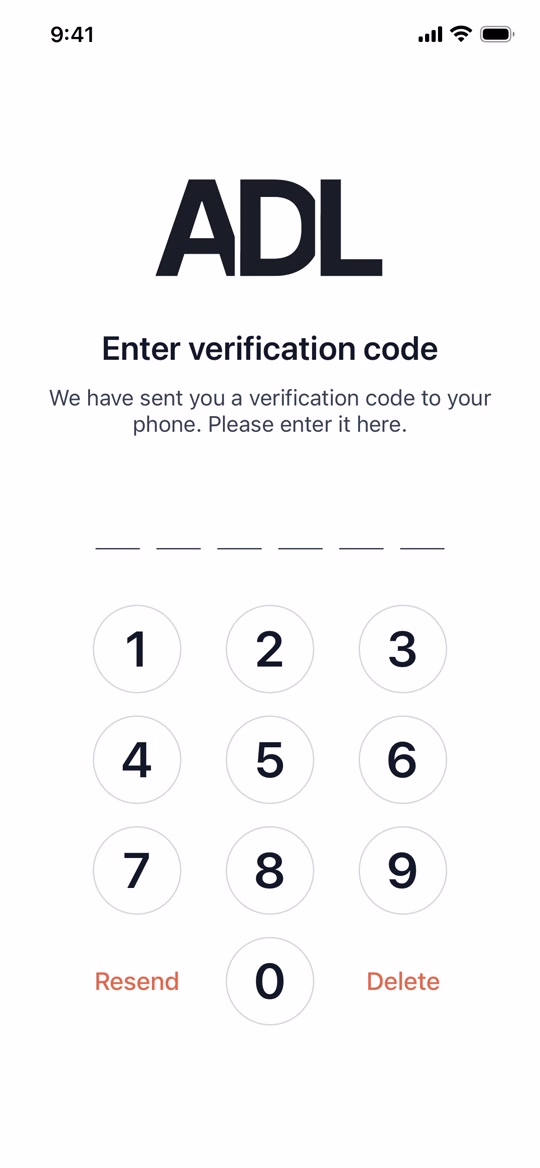
We'll send a text message to your phone with a 6-digit verification code. Open your Messages app, read the code, then come back and tap the numbers on the keypad to enter it.
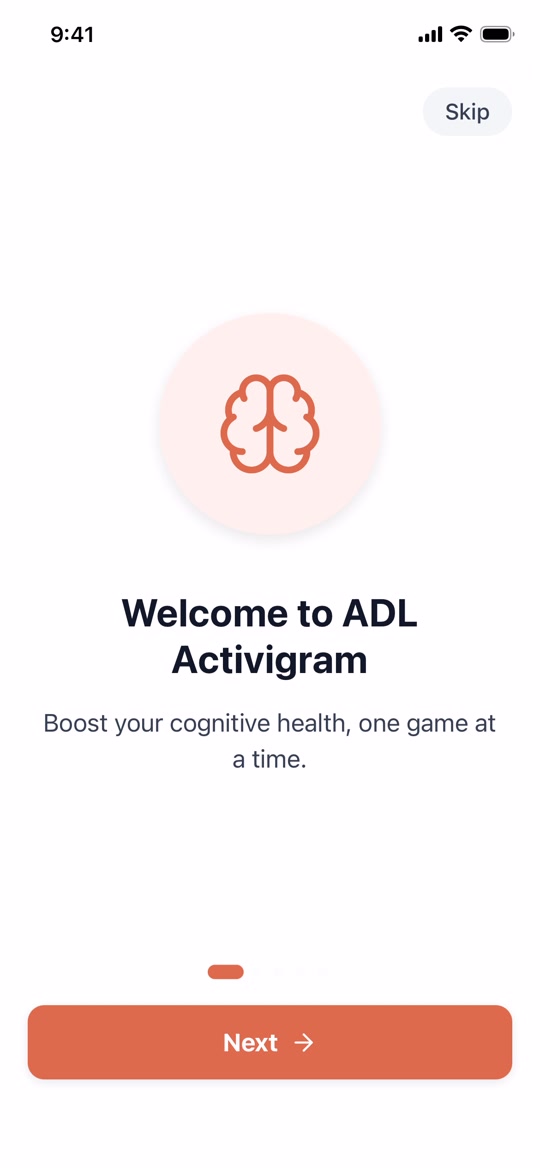
You'll see a few short introduction screens that explain what ADL Activigram does and how it can help you. Tap the orange Next button to move through them.
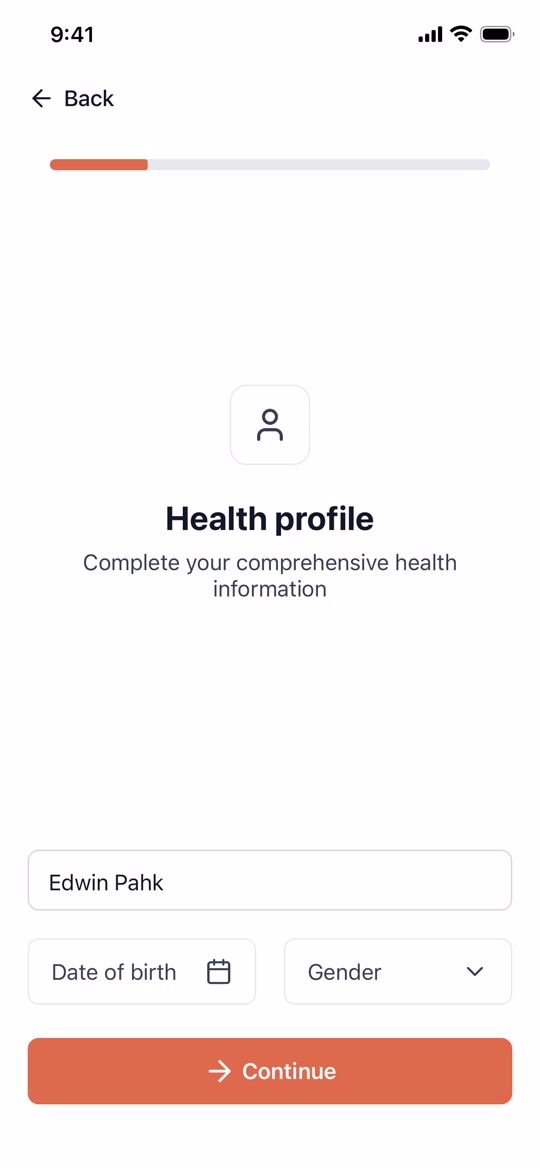
Enter your name, date of birth, and gender. This helps the app personalize your experience. After that, you'll answer a few more optional questions — feel free to skip any that don't apply.
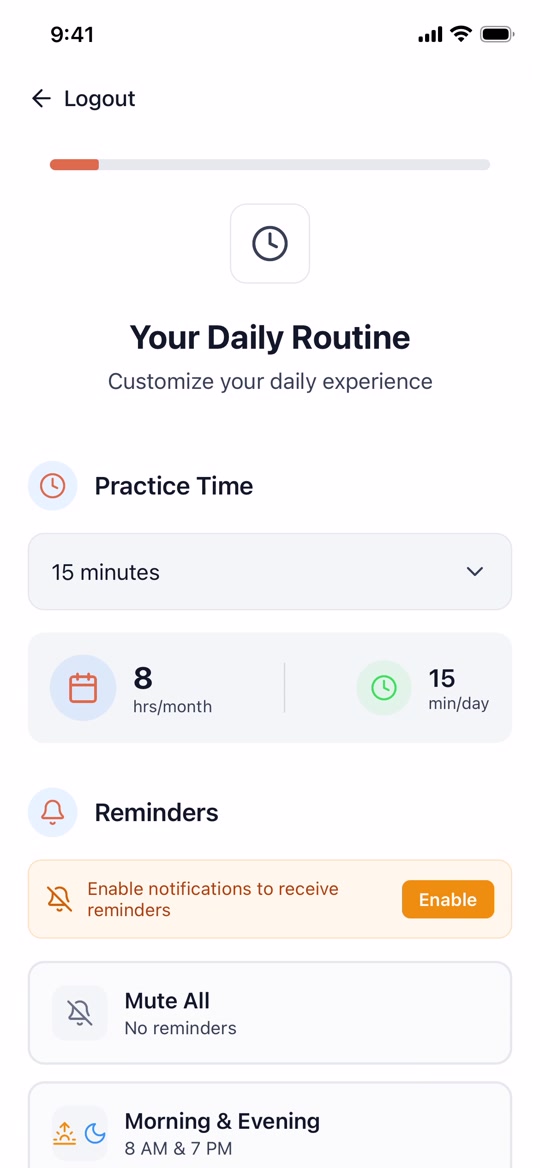
Pick how many minutes a day you want to practice (we suggest 15 minutes) and when you'd like gentle reminders. You can always change these later in the Settings menu.
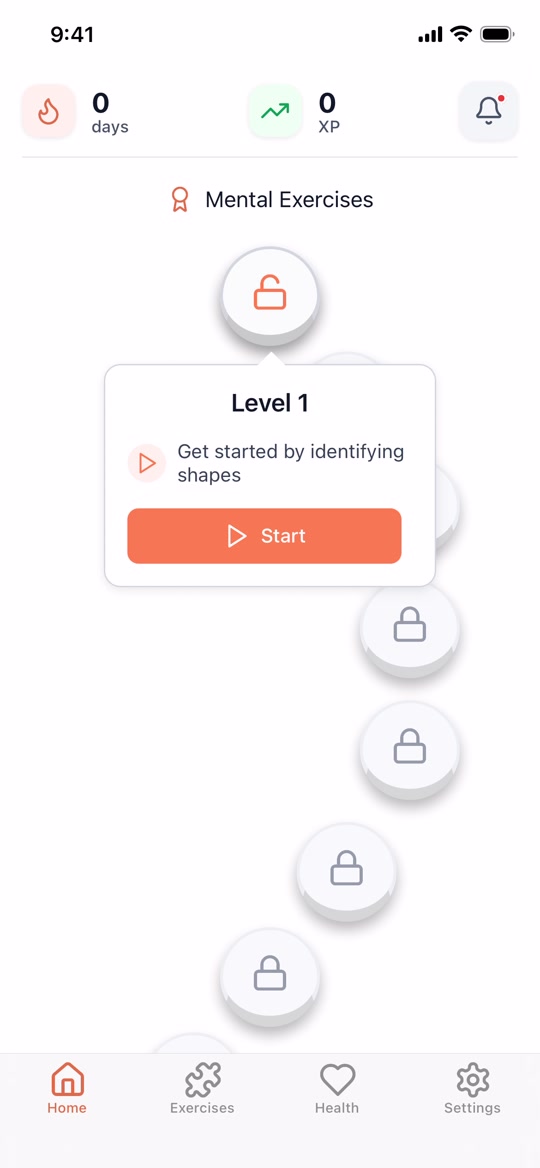
You'll land on the home screen. Tap the glowing circle at the top — that's Level 1. Then tap the orange Start button. You'll begin with a simple shape-identification exercise to warm up.
Free to install on any iPhone or Android phone.
If you get stuck or have any questions along the way, we're here to help. Reach out any time and we'll walk you through it.
adlactivigram@cananeurology.com